

Overview
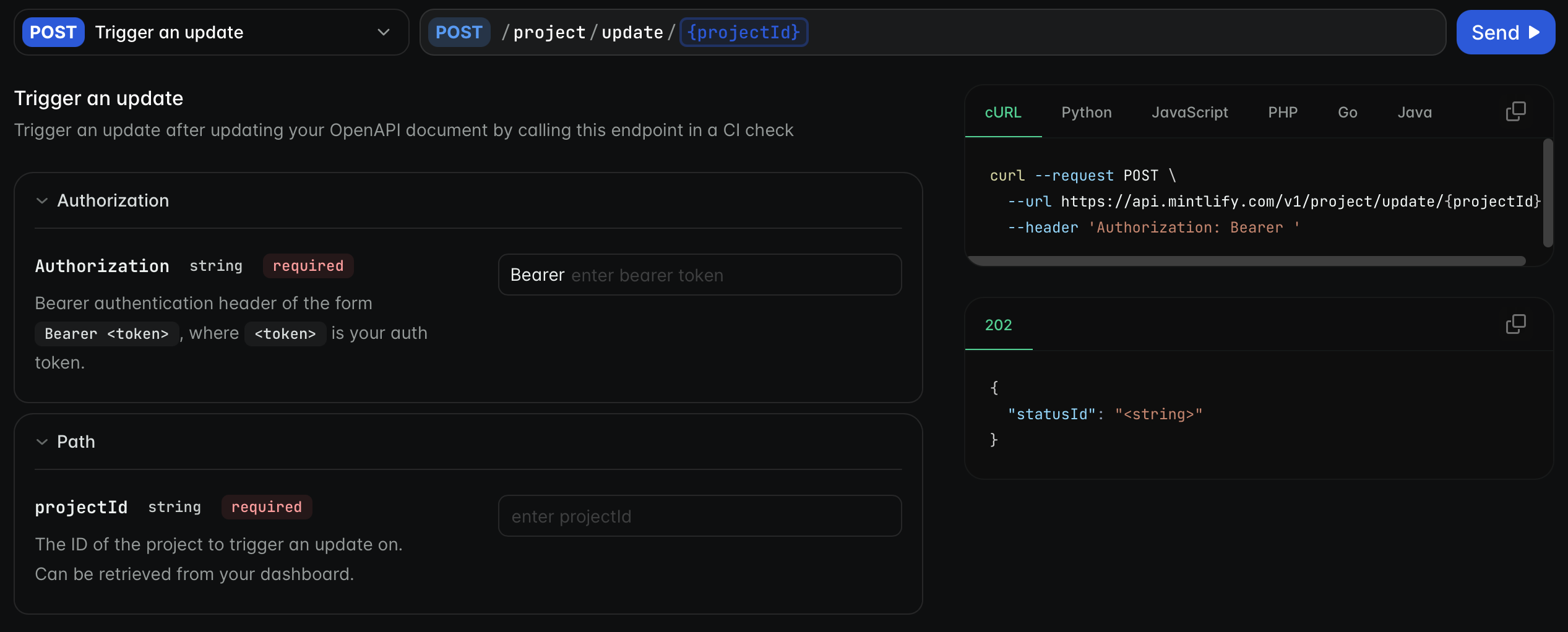
The API playground is an interactive environment that lets users test and explore your API endpoints. Developers can craft API requests, submit them, and view responses without leaving your documentation. See Trigger an update for an example of the API playground in action.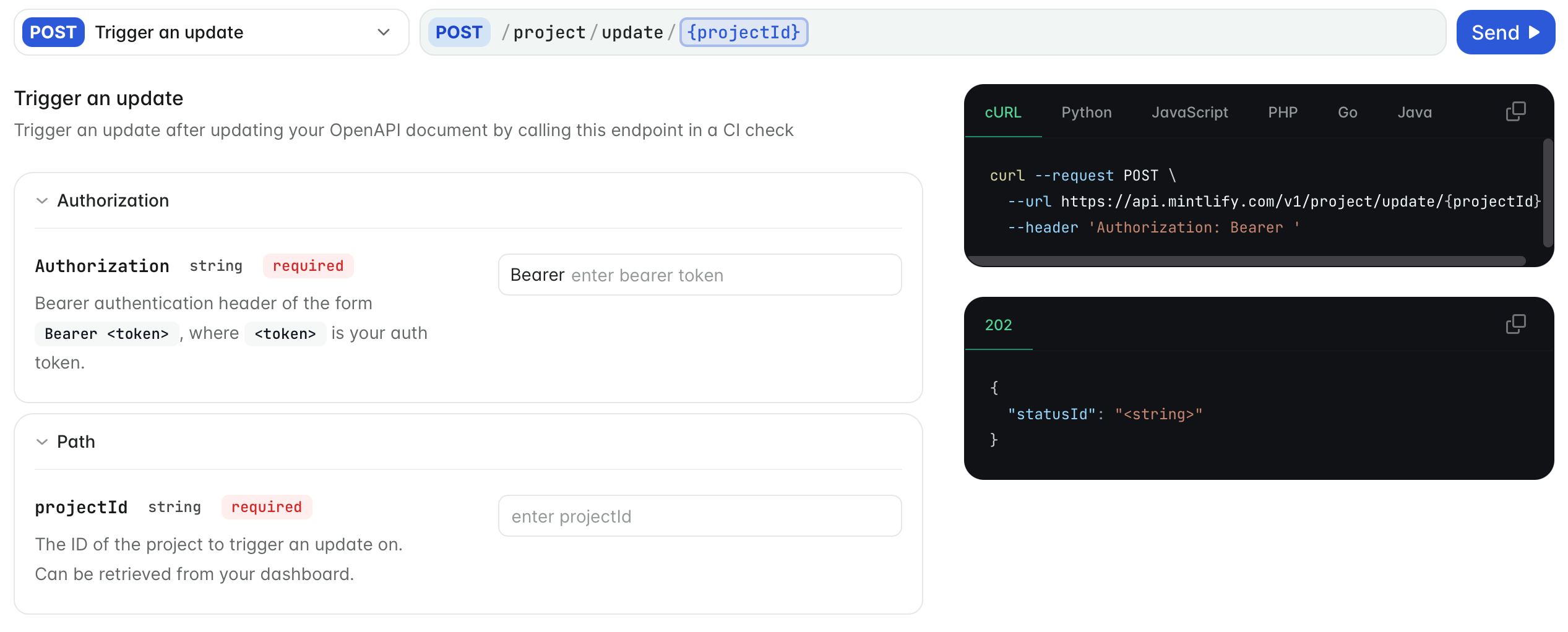
docs.json.
Get started
Generate endpoint pages.
Update your To generate pages for only specific endpoints, list the endpoints in the
docs.json to reference your OpenAPI specification.To automatically generate pages for all endpoints in your OpenAPI specification, add an openapi property to any navigation element.This example generates a page for each endpoint specified in openapi.json and organizes the pages in the “API reference” group.Generate all endpoint pages
pages property of the navigation element.This example generates pages for only the GET /users and POST /users endpoints. To generate other endpoint pages, add additional endpoints to the pages array.Generate specific endpoint pages
Customize your playground
Customize your API playground by defining the following properties in yourdocs.json.
Configurations for the API playground.
Configurations for the autogenerated API examples.
Example configuration
This example configures the API playground to be interactive with example code snippets for cURL, Python, and JavaScript. Only required parameters are shown in the code snippets, and the playground prefills the request body with example values.Auth-based playground display
Use theauth display mode to show the interactive playground only to authenticated users. This is useful when you want to let users view your API documentation publicly while restricting playground access to logged-in users.
When display is set to auth:
- Authenticated users see the interactive playground.
- Unauthenticated users see no playground (equivalent to
none).
auth with the groups property in page frontmatter to restrict playground access to specific user groups.
Page with group-restricted playground
- The page is publicly visible (anyone can view the documentation).
- Only authenticated users in the
adminordevelopergroups see the interactive playground. - Users not in those groups see no playground.
groups property, all authenticated users see the interactive playground.
The
auth display mode requires authentication to be configured for your documentation.Custom endpoint pages
When you need more control over your API documentation, use thex-mint extension in your OpenAPI specification or create individual MDX pages for your endpoints.
Both options allow you to:
- Customize page metadata
- Add additional content like examples
- Control playground behavior per page
x-mint extension is recommended so that all of your API documentation is automatically generated from your OpenAPI specification and maintained in one file.
Individual MDX pages are recommended for small APIs or when you want to experiment with changes on a per-page basis.
Further reading
- OpenAPI setup for more information on creating your OpenAPI document.
- x-mint extension for more information on customizing your endpoint pages.
- MDX setup for more information on manually creating individual API reference pages.
- AsyncAPI setup for more information on creating your AsyncAPI schema to generate WebSocket reference pages.